Downloading a Hygiened List from Alfred
1. Locate the List You Want to Download and Click "Export List"
In Alfred, find the list you'd like to download, then click on the Export List button next to it.

2. Click on "Download List"
Once the export is complete, click the Download List button to proceed.
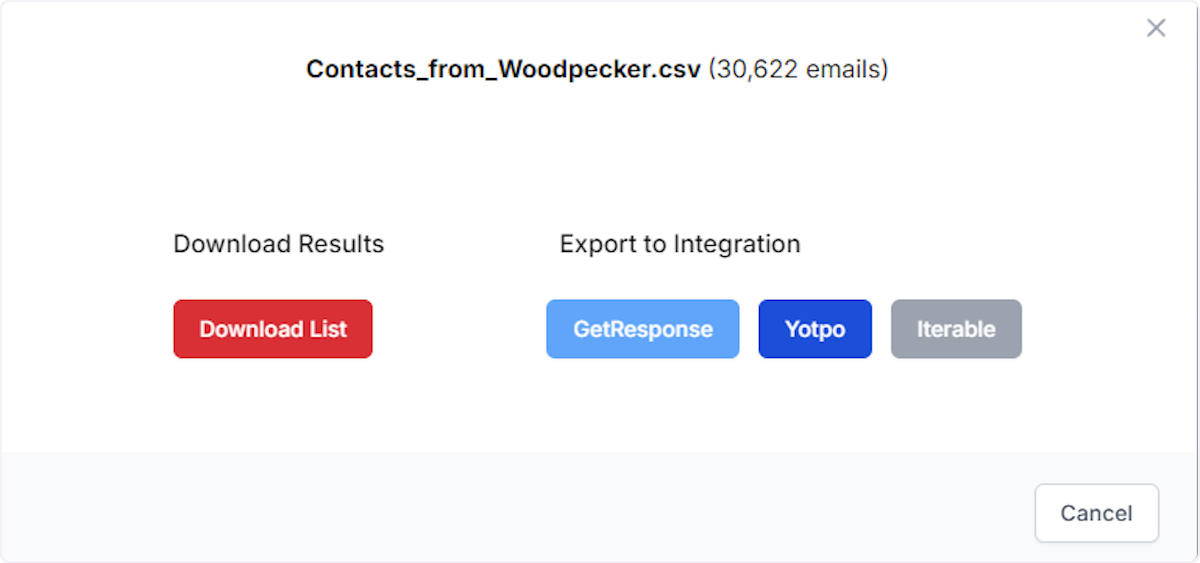
3. Select Your Deliverability Option
Choose your preferred deliverability option for the list, then click Download to save the file.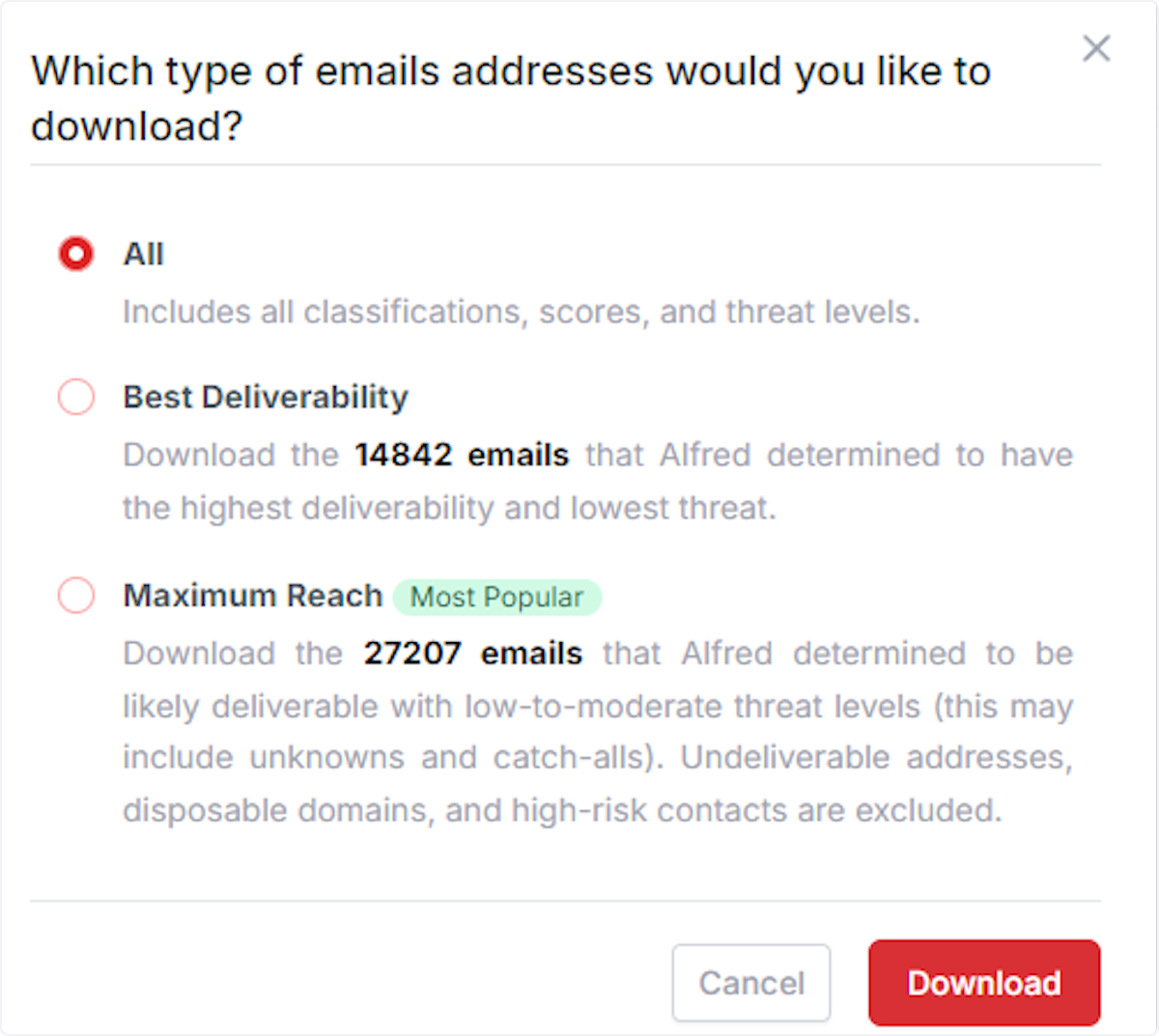
All
Includes all classifications, scores, and threat levels.
These are emails scored 1-10.
Best Deliverability
Download only the emails that Alfred determined to have the highest deliverability and lowest threat. These are emails that scored 7-10.
Maximum Reach
Download only the emails that Alfred determined to be likely deliverable with low-to-moderate threat levels (this may include unknowns and catch-alls). Undeliverable addresses, disposable domains, and high-risk contacts are excluded.
These are emails that scored 6-10.